 Melodia
Just your music
A desktop player focused on what you listen to.
Windows 10 and 11, 64-bitFree and open source on GitHub
Install Melodia and create your Client ID
Before you start
You must have:
- Windows 10 or 11 64-bit
-
 Premium account
Free accounts do not work
-
Install Melodia
Download the installer from the download page. Then run the installer. It does not ask for administrator rights.
The installer does not have a signature at this time. If SmartScreen stops it, click More info. Then click Run anyway.
-
Create an app in the Spotify Developer Dashboard
Open the Developer Dashboard and click Create app. You can give the app any name. In Redirect URIs, add this address exactly:
http://127.0.0.1:8898/callback -
Select the APIs
In the same form, select Web API and Web Playback SDK. Then save the app.
-
Copy the Client ID
Open the Settings of your app and find the Client ID. It has 32 letters and numbers.
-
Connect
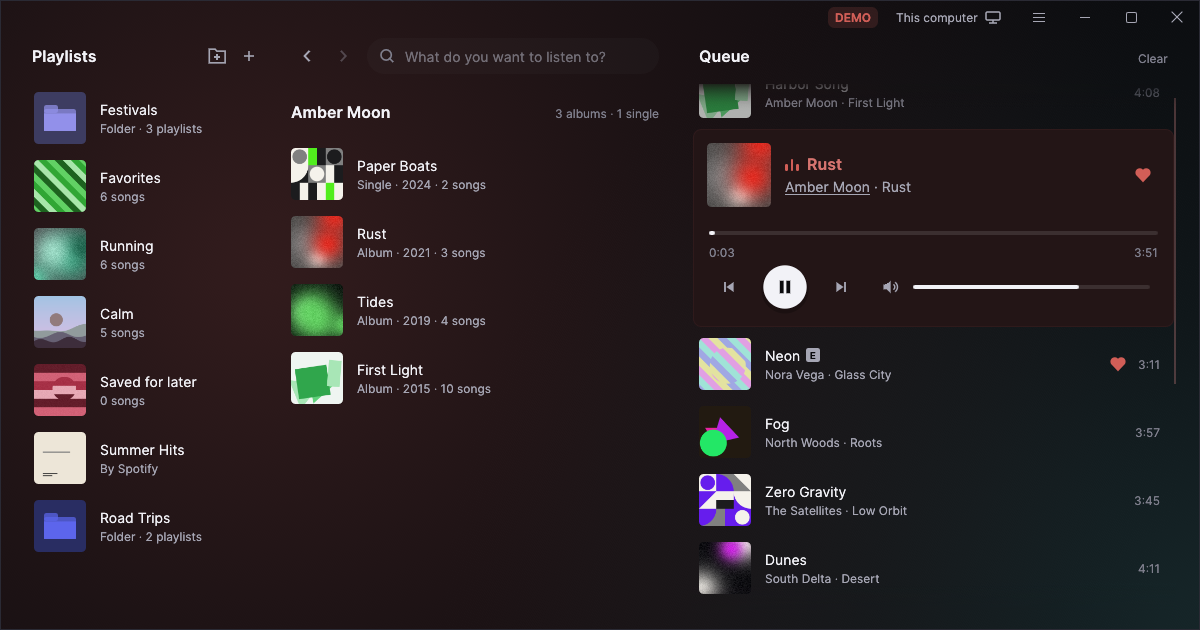
Open Melodia and paste the Client ID. Then click Connect to Spotify. A browser opens with a Spotify page. Accept the request on that page. Your playlists then show in Melodia.
Check the download
To make sure that the file is correct, open PowerShell in the folder of the file and run the command for that file. The hash must be the same as in SHA256SUMS.txt on the download page.
The installer:
Get-FileHash .\Melodia-*-setup.exe
The portable version:
Get-FileHash .\melodia-*-portable.zip